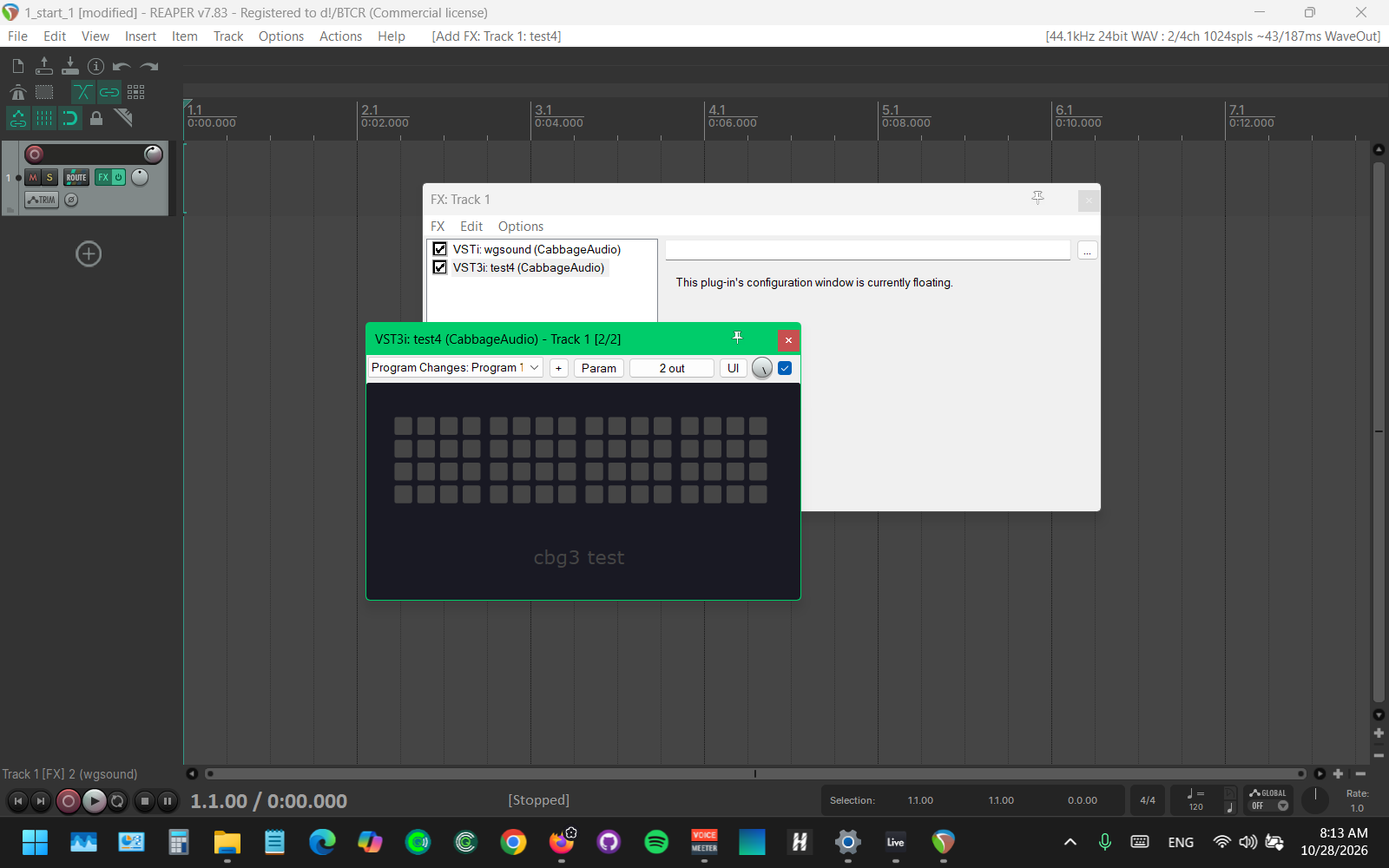
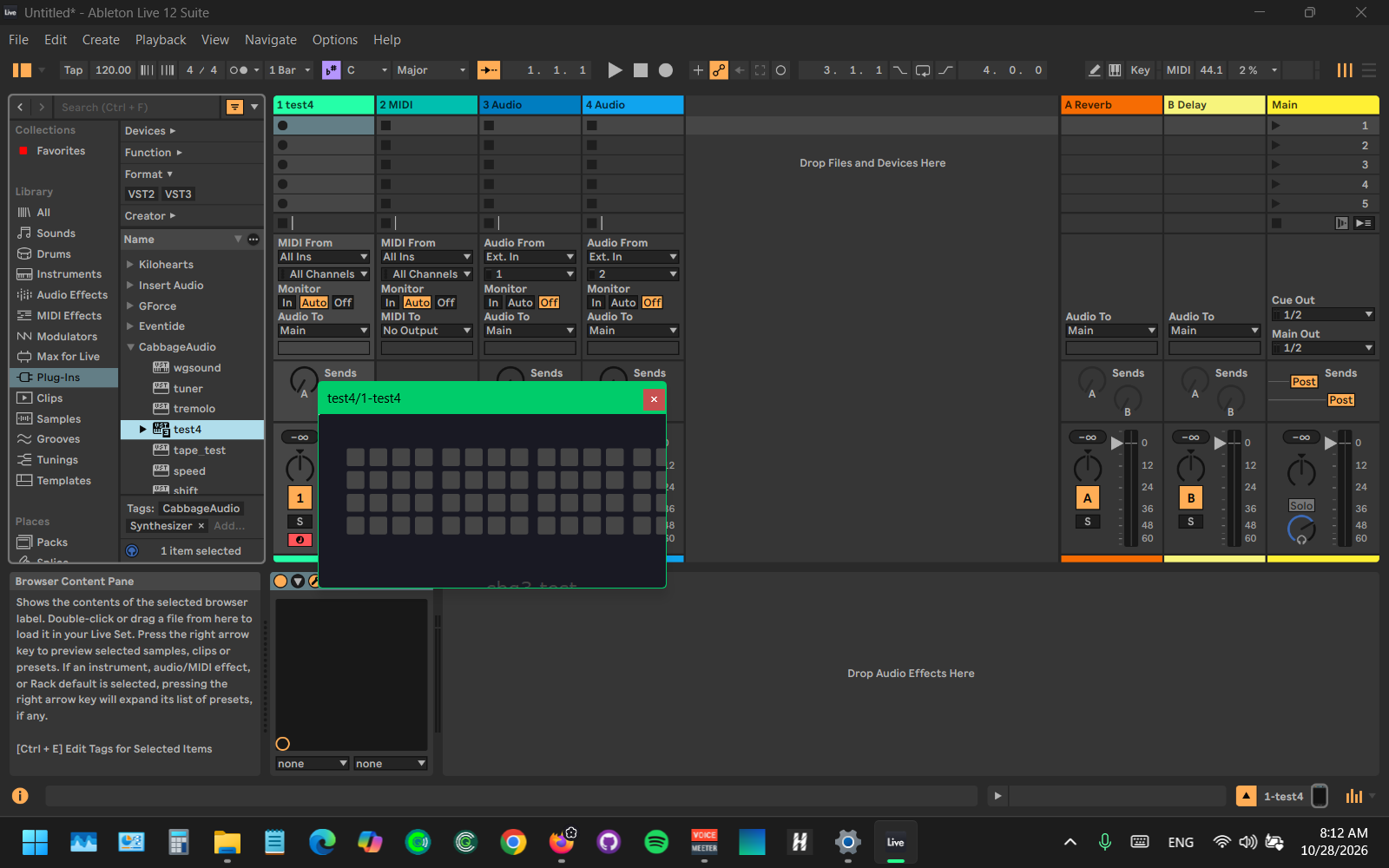
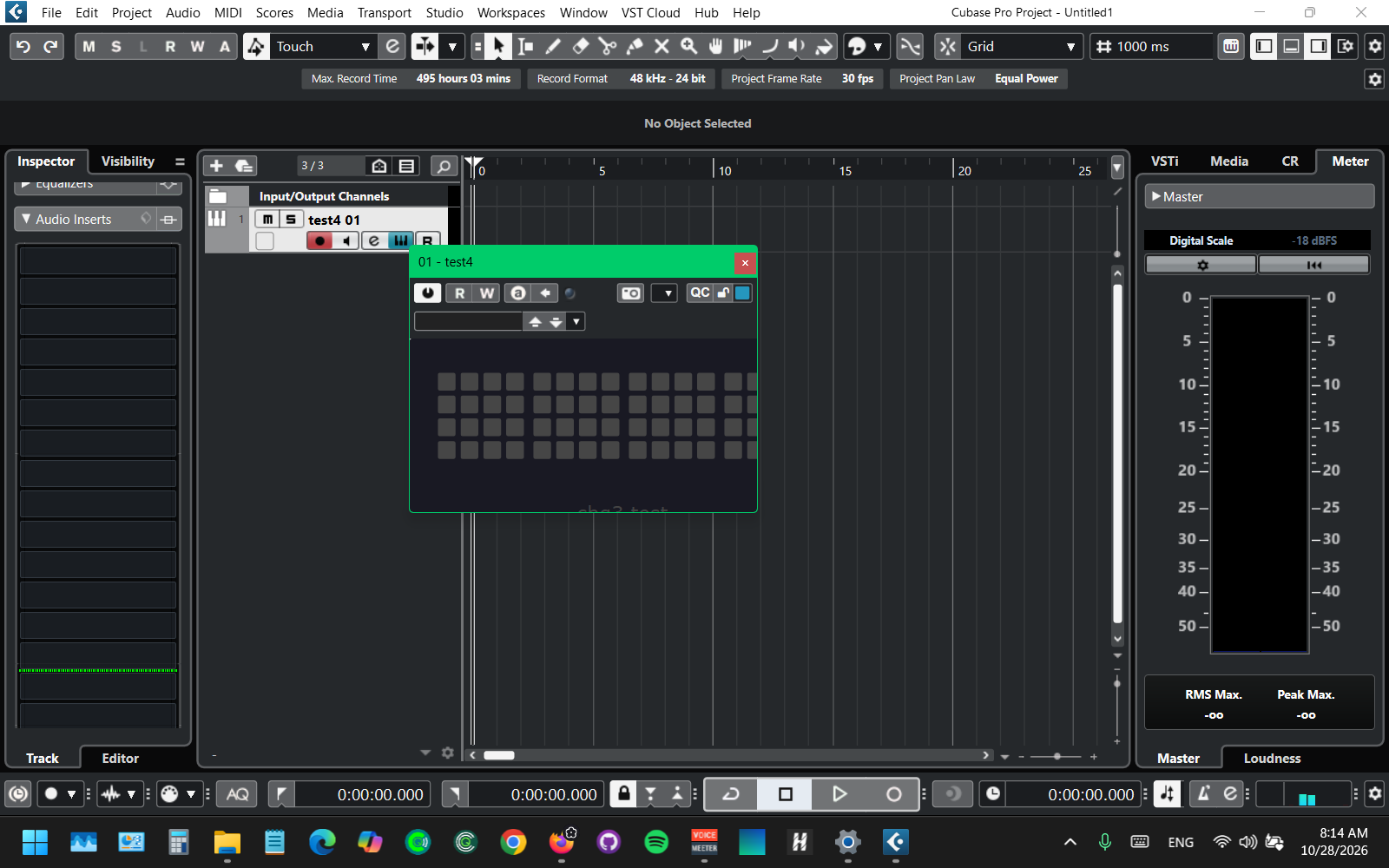
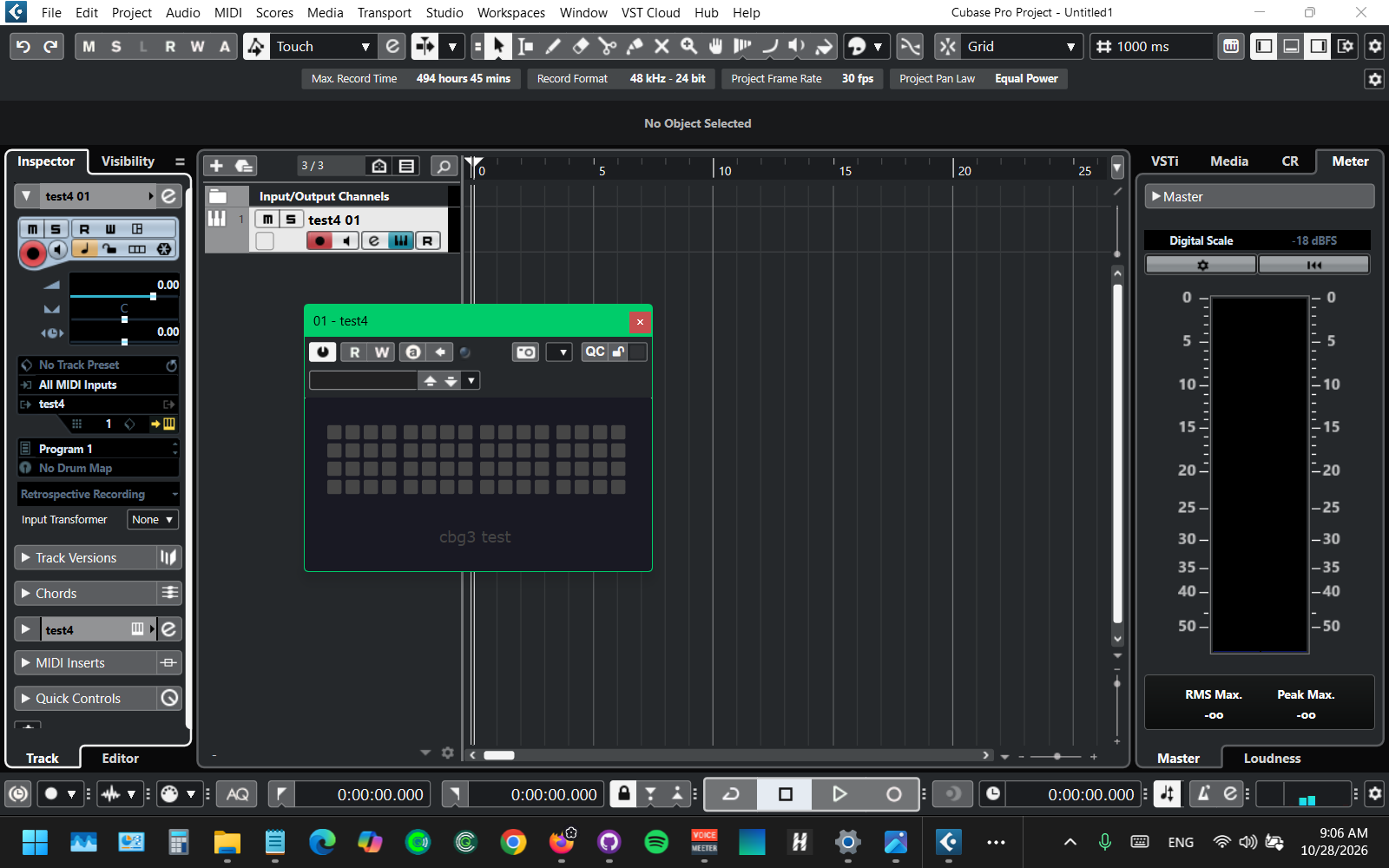
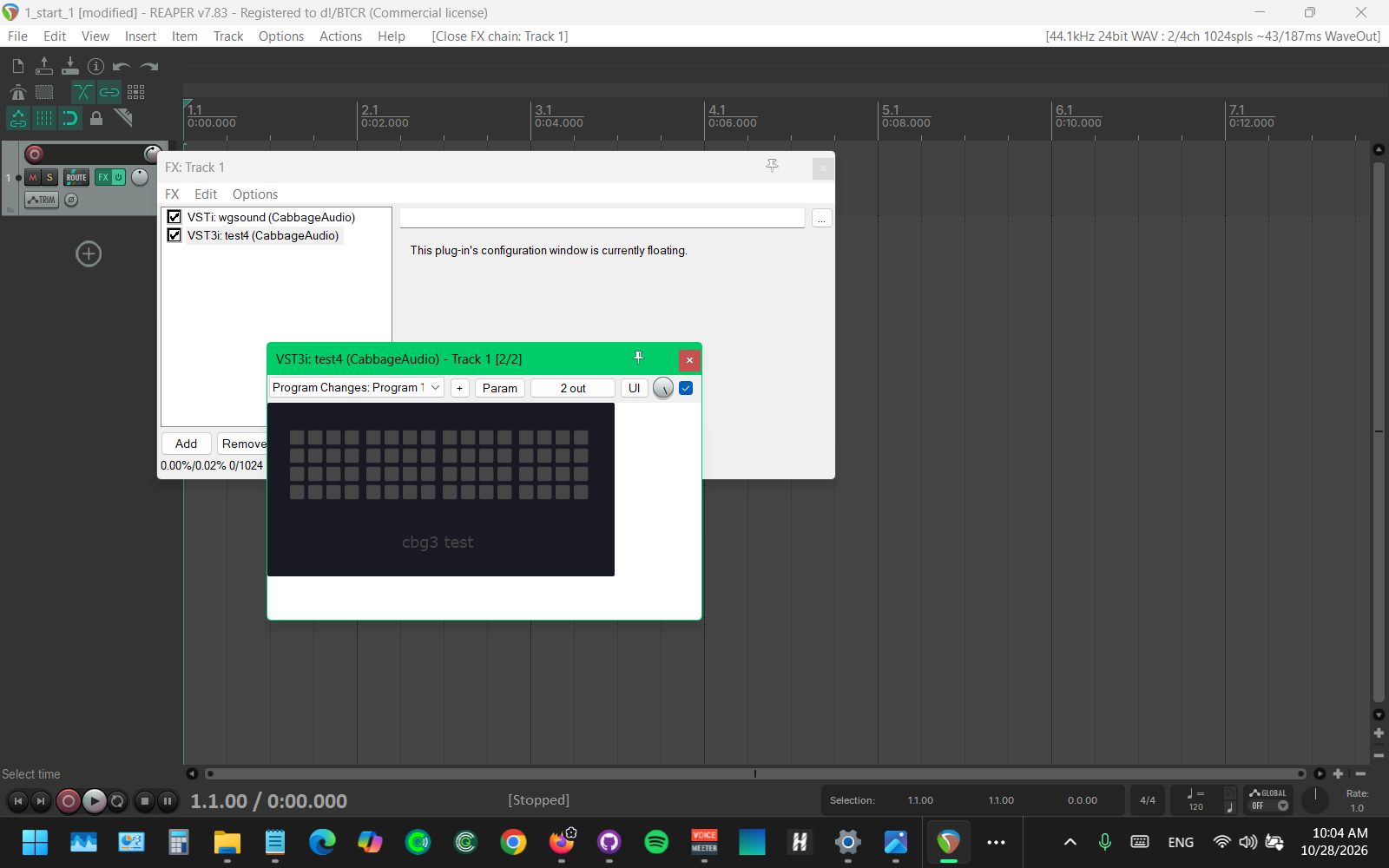
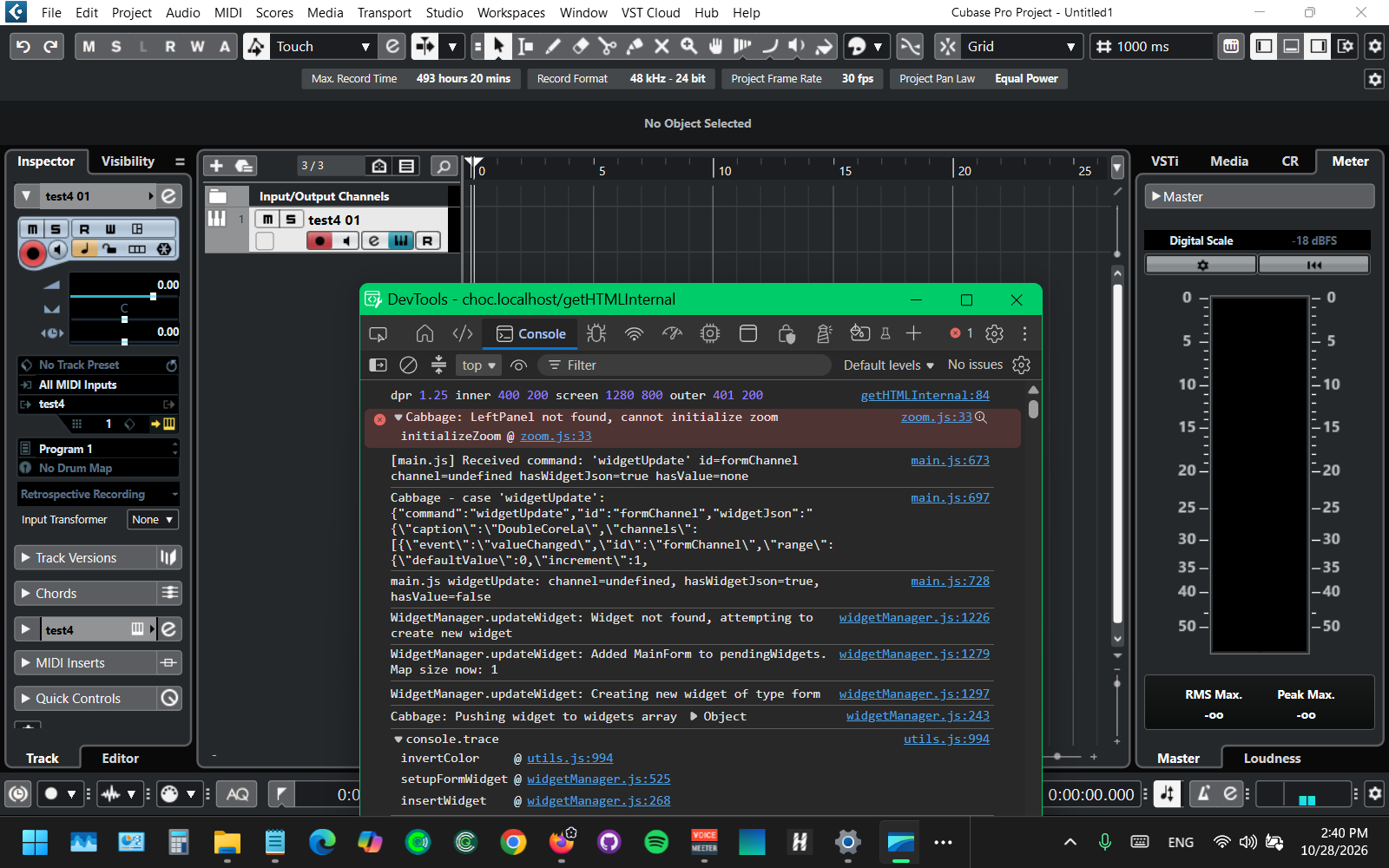
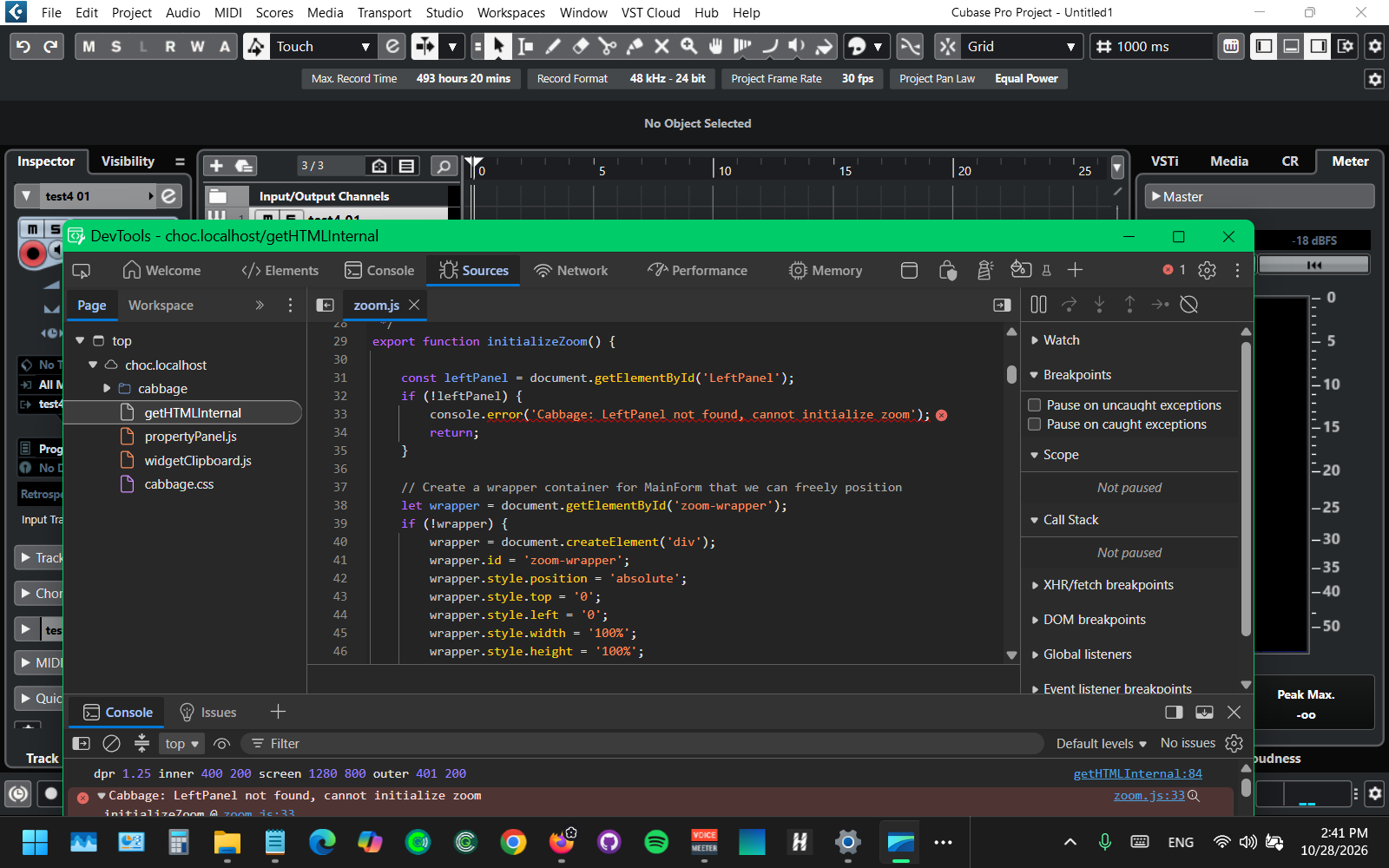
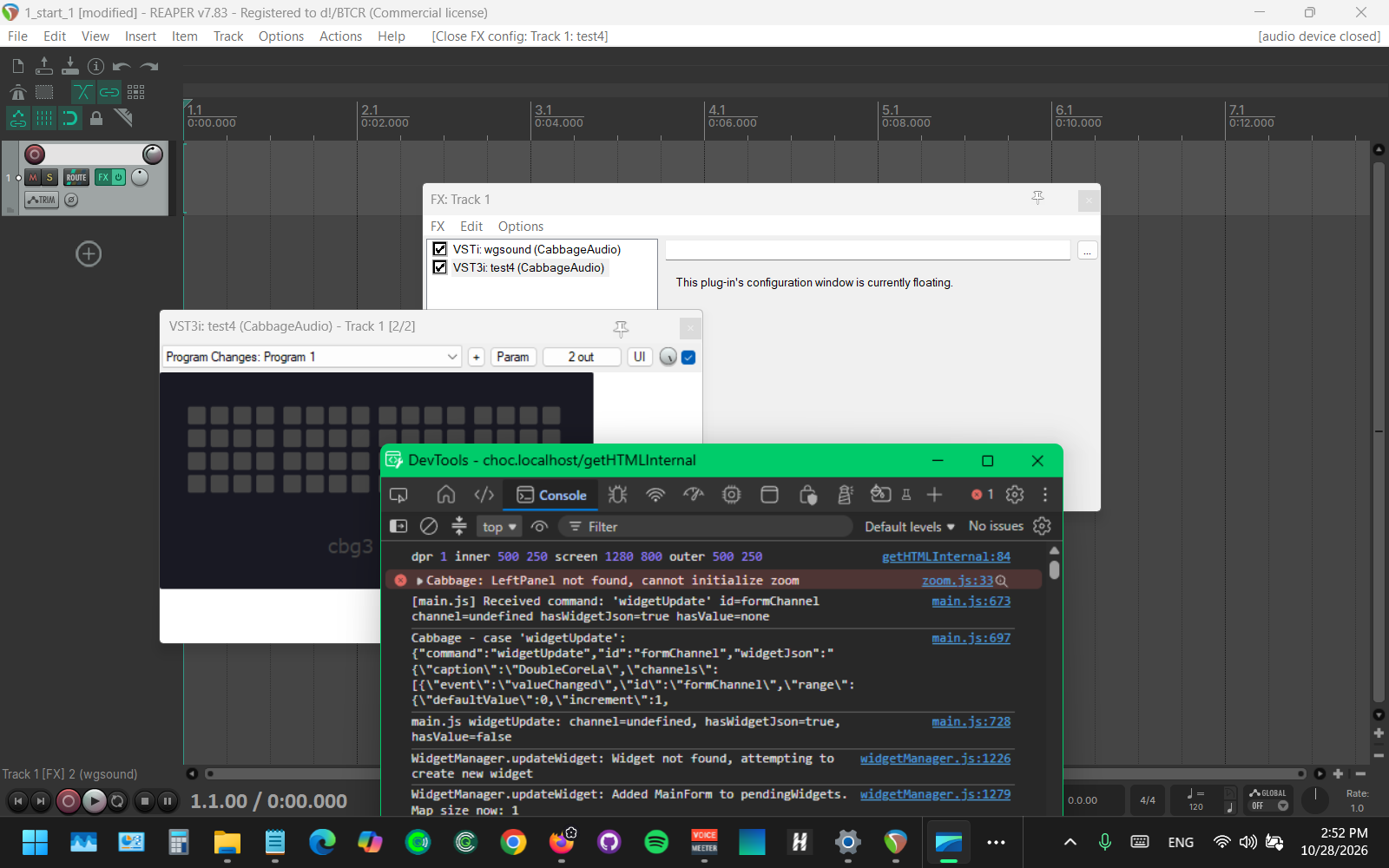
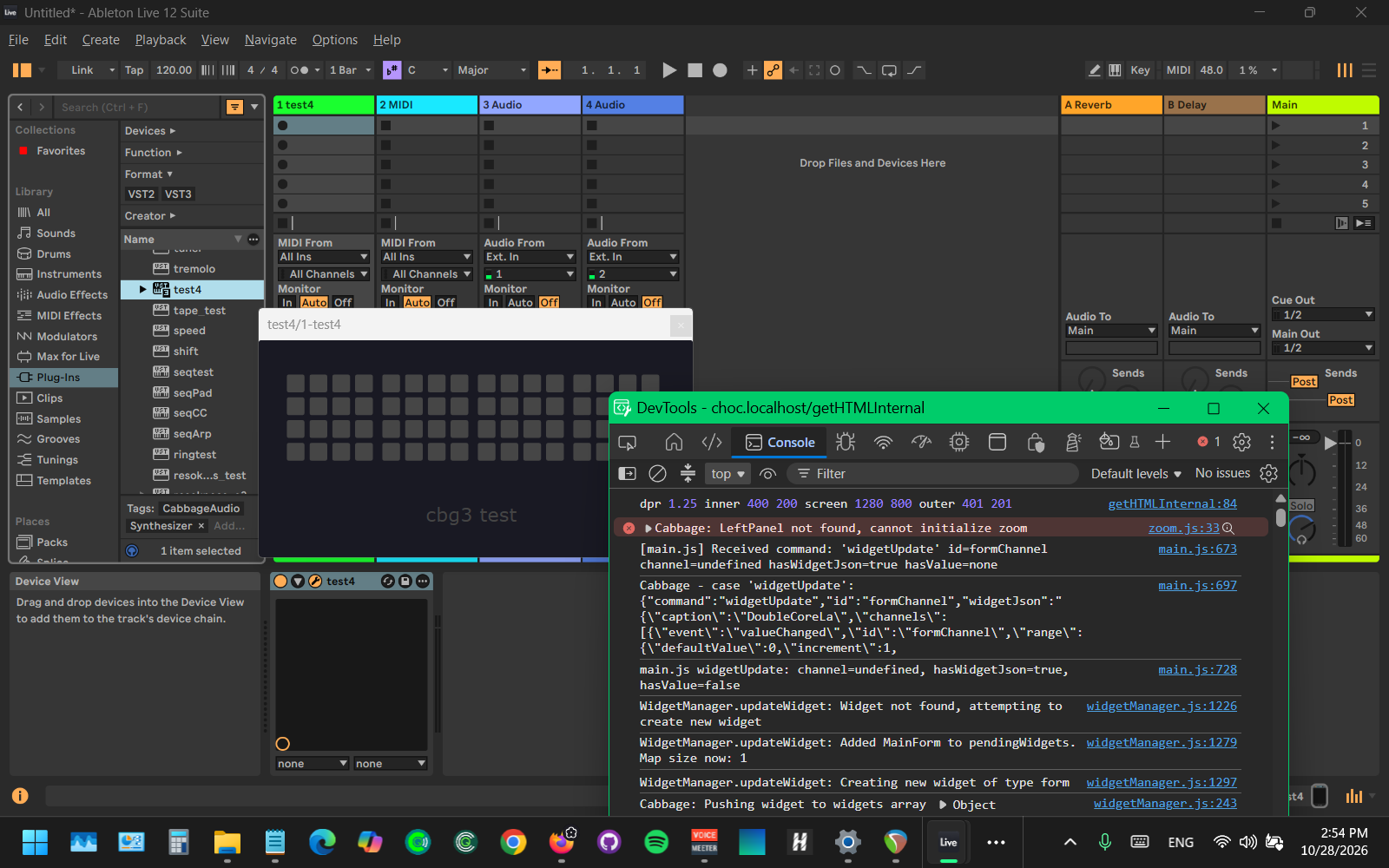
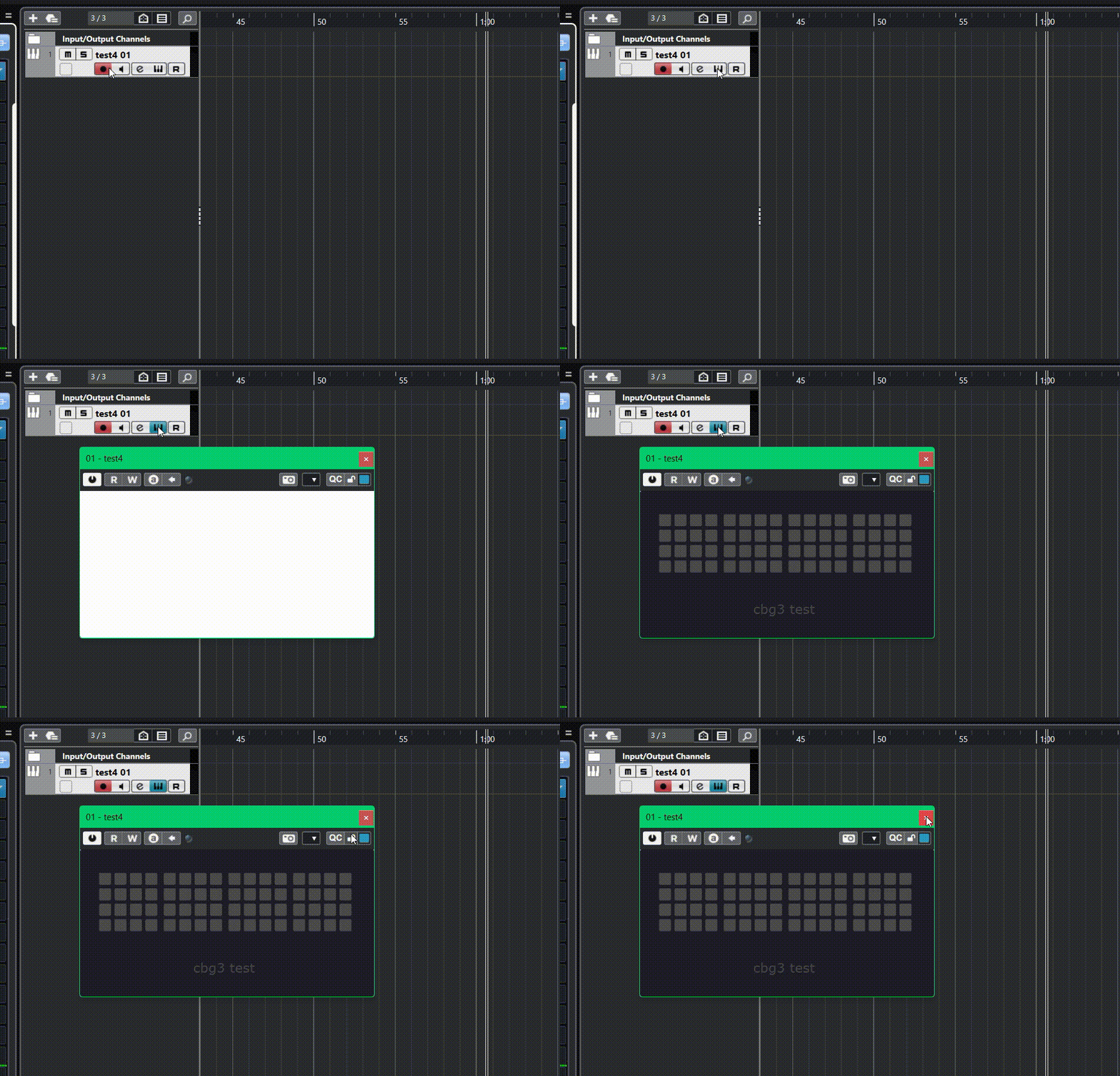
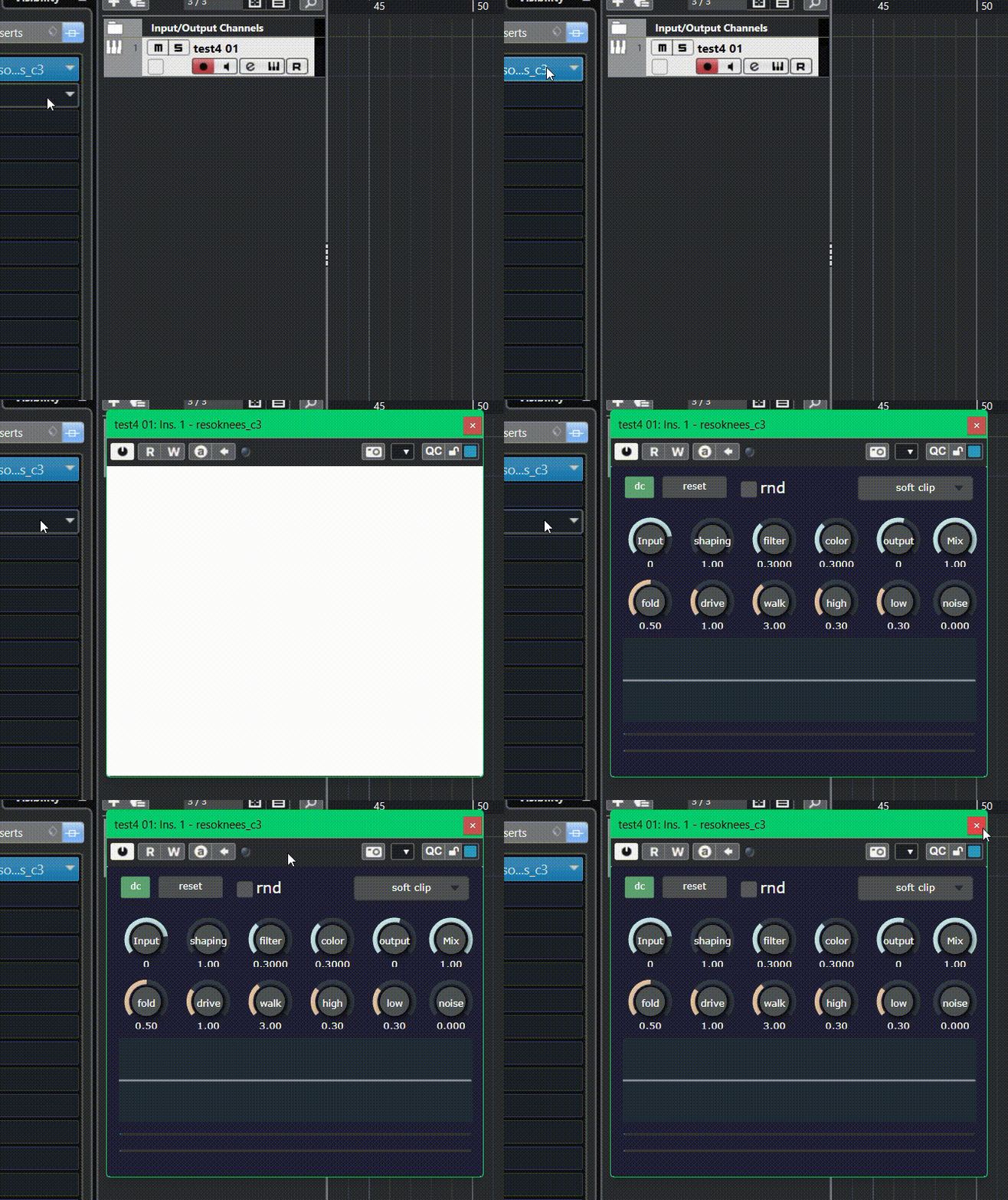
on windows at 125% display scale, vst3 plugins exported from cabbage 3 open smaller than expected (i tested with cubase, reaper and ableton), so they look too small next to the host ui. cabbage 2 plugins scale correctly in the same setup. the host-side options i tried [hidpi in cubase, auto-scale in ableton (works but not good quality), hidpi compatibility mode in reaper] either make no difference or only work by stretching and blurring the window. at 100% windows scale, the size is 1:1 in every host.
is there a setting to make the plugin window dpi-aware? if not, could this be considered as feature request?
im using windows 11, cubase 12,15, reaper 7.83, ableton 12.4.7 suite
@prhm.i This should be fixed now. I only have an arm build of Windows in a VM to test, but it seemed to work fine for me when I changed the display scale to 125% YOu can grab the latest package via Install Cabbage 3 | Cabbage
"scaleSource”: “host” host is the default, so that shouldn’t be needed. I’m glad you found a solution, and it’s something we can fall back to if we can’t find a more native one.
We need to figure out what exactly Live is doing. Can you add this code to your index.html:
oh thanks.
so, the form size is 400x200 but i noticed that with the "scaleSource”: “os” first time the plugin opens, the window is 320x160 if i close the editor and open it again, the window is 400x200 and everything fits. so only the first open is wrong. (btw it loads very slowly compare to cabbage2 plugins.)
Thanks, let me take a look. Btw, when you say it’s taking a long time to open, do you mean when scaled, or just in general? The webview will take a few moments to load each time the editor is opened, but it shouldn’t really be noticeable. I notice your UI has 64 buttons, are they being generated dynamically? Or have you 64 different button widgets in your Cabbage 3 JSON section?
That whitescreen is a known issue with webviews. Let me look again and see if there isn’t now an elgant way of dealing with them. New build underway to address the scaling issue. It will be available here when it’s cooked 3.0.17-beta
Btw, are you getting that white screen every time you load your plugin UI?
Sorry, I re-read your post. I’ve pushed some changes just now that fall in line with how other plugin frameworks handle this issue. You should no longer see the white screen
This version features the proposed fix for the white screen.
great, i dont know what happened but the scale is perfect now, and also the quality no shaking everything fits perfect. but the whilte-screen still there each time editor opens. with same loading time. did i do something wrong? i just installed vsix and export
still have"scaleSource”: “os” in my csd. (if i use "host" the size will not fit)
So using ‘host’ doesn’t work? Hmm, ‘os’ should only be the fallback. Can you confim the build number you’re running? I’m curious about that white screen. I can’t recreate on Mac because it uses a different webview.
i uninstalled all other version and C:\ProgramData\CabbageAudio files
then re-install again the 3.0.18-beta to be sure the result is the same.
“host” is not working and white-screen is still there
Darn it. I thought I had that sorted. Leave it with me. I’m curious to know what knock-on affect the DPI scaling might have if you share your plugin with someone else on Windows. Can you confirm that eerything is fine when no scaling is taking place? With scaleSource set to os still in place.
yes as far as i tested everything is good. with no scale, both "os" and"host" are fine. the only issue now is the white screen. (i also tired to use vs3 in vm win10 but ui was all white)
I wonder if my upstream changes made it into that build. I had to update two dependencies. I’m running off another build now that will definitely have the changes in it. If it still doesn’t work I guess I need to look to another solution. I’ll let you know when that next build is complete.
i tested it and it seems all the same:
125% scale: “os” is okay but “host” is not
100% scale: both are fine
the only difference now is that when i want to change these setting i have to restart the daw.
(and also cabbageCreate is not working if i dont restart)
but now there is another issue:
when i click outside the editor it close by itself - the editor icon in the daw still on ( only with cubasse 12)
That’s odd, I can’t think of any reason this would be happening. Can you verify that ‘Always on top’ is enabled in the settings? Or can you quickly try another plugin to make sure it’s unique to Cabbage 3. Sorry for having to ask you to do these tests. I have a copy of Cubase, but it’s on my work machine, and I won’t be there till Monday. I appreciate the effort. In the meantime I’ll keep working on the white-screen issue.

 YOu can grab the latest package via