I think this should be Ok now in git. If you want to try to build and let me know. Note there is still a small issue in the master branch with the plugin size, but it should be relatively simple to fix. I just won’t have time to do it until tomorrow.
[edit] Note I haven’t given it a proper run through at all since I updated to JUCE 5.3.2 I think it’s fair to expect a few issues…
Okay, I’ll give it a shot! Sorry it took me a few days to respond. We’ll see what happens! 
Well, lovely news, the problem is indeed fixed! Your chnsetTest files from earlier work fine now. Hurrah!! That’s great—there’s a feature in the project I’ve been working on that hadn’t been functional for a while due to this so I’m quite pleased. 
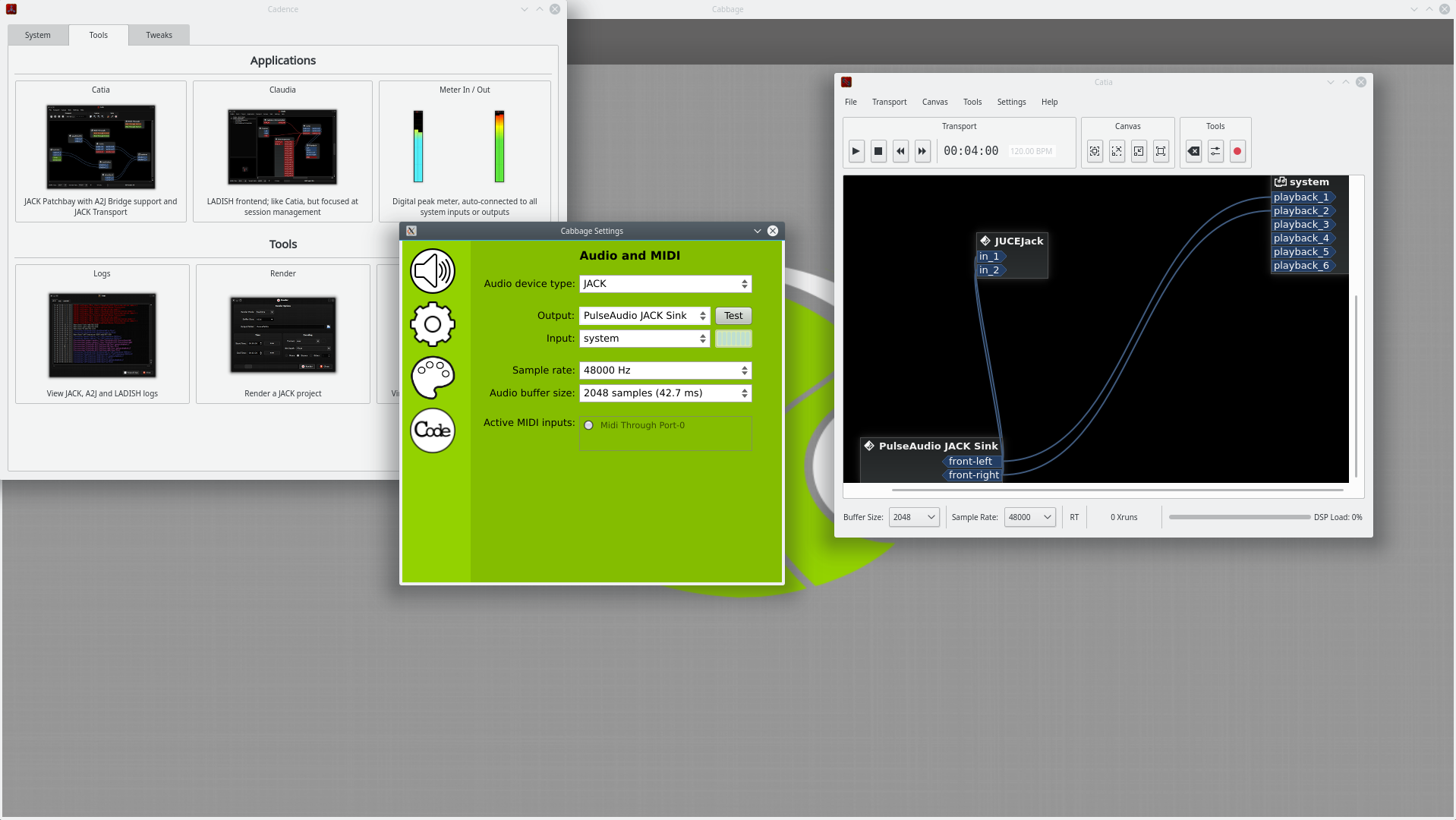
So far I haven’t noticed any obvious new problems except for one—I don’t seem to be able to output sound via JACK from the Cabbage standalone application. It might be worth making a new thread for this, I guess. Basically, the only possible output I have is the PulseAudio sink (I use Cadence) and Cabbage doesn’t seem to really run sound through it anyhow.
Before the update, I could output sound via JACK, although it would have a lot of pops and clicks.
Thanks so much for your hard work, though! Very glad the issue did indeed disappear with the new version of JUCE.
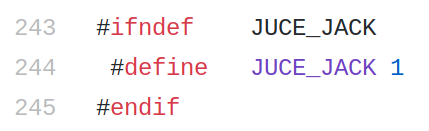
I may need to enable jack in the AppConfig.h file. You can try it. Is listed in the JuceLibraryCode folder. Set it to 1 and rebuild, it should be OK after that.
Hmmm, looks like it’s set to 1 already?
Let me boot into Arch and take a look…
Hmm, that’s odd. It’s all working fine for me here. Did you do a clean before building?
Hi, sorry for the delay in responding—one of the DIMMs in my workstation went bad, so I’m having to RMA it, and as a result my free time in the last few days has been dedicated to getting a backup computer ready so I have something to use while I’m waiting on the replacement memory.
Rather unfortunately, I tried building Cabbage here on the backup computer, with a new install of Arch and everything, and am still having the same issue. Both here and on my main computer, I was building it using the AUR cabbage-git package, so it was from a freshly checked-out instance of the git repo. Maybe there’s an unlisted dependency you happen to have already installed or something like that?
I think I’m going to make a new thread to track this issue so as not to clutter up this one.  Will edit with the link in a moment.
EDIT: Okay, here it is.
Hi !
I’m having the exact same issue, I’m running Cabbage on Windows and the chnset opcode doesn’t work in the GUI, no way to see the slider moving !
Could you please explain how you fixed it please ?
Thanks !
Can you check that you have selected a valid audio device? I’ve tried quite a few examples here on Windows and they all run fine, so long as I select an appropriate audio type and device.
1 Like
Thanks ! I was at 96kHz, going back to 44,1kHz did the trick !